How to Withdraw
You can withdraw your funds in one of two ways:
You can withdraw your funds in one of two ways:
Through the Platform
You can submit a withdrawal request yourself, directly from your account:
- Log in to your account.
- Go to the Withdrawal section.
- Enter the amount you want to withdraw.
- Choose your withdrawal method.
- Review your request details and click Confirm.
- You can track the status of your request at any time in your account's withdrawal history.
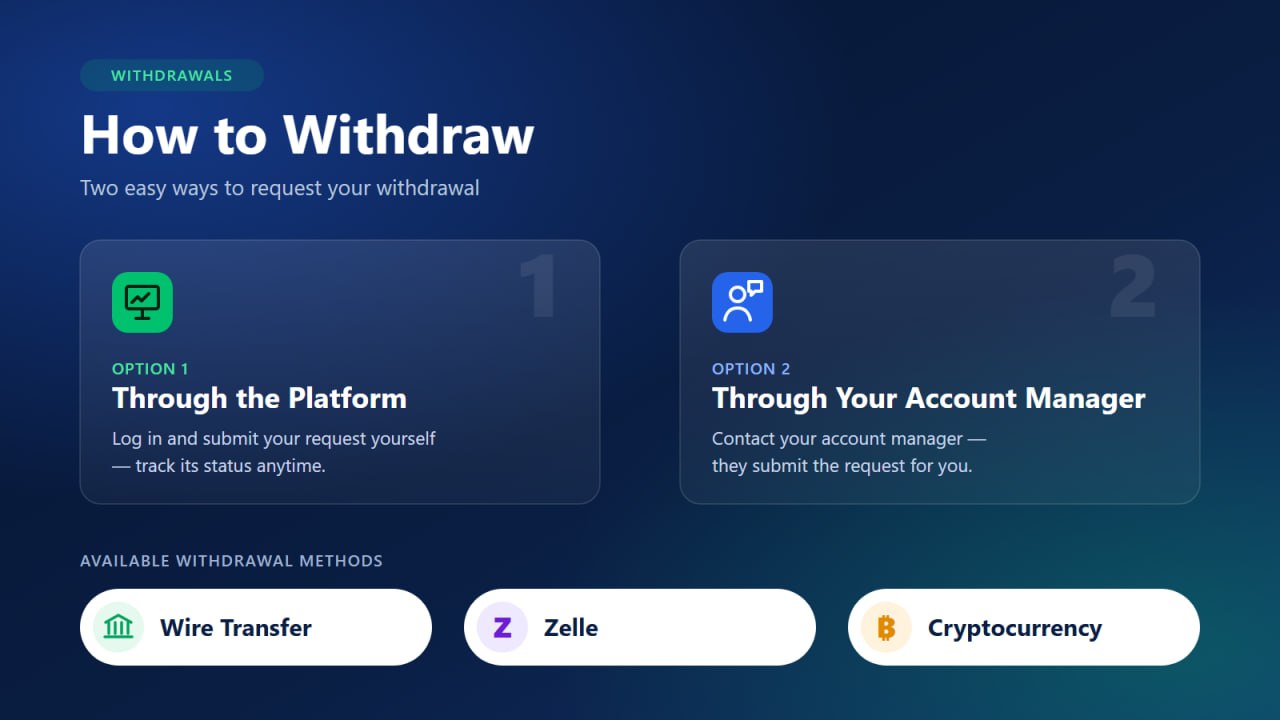
Through Your Account Manager
If you'd rather have personal help, contact your account manager and tell them you want to make a withdrawal, along with the amount and the withdrawal method. Your account manager will submit the request for you, and you'll receive a confirmation message with the request details.

Available Withdrawal Methods
1. Wire Transfer Funds are sent directly to your bank account.
2. ZelleFunds are sent to your Zelle account.
3. CryptocurrencyFunds are sent to your crypto wallet address. Please double-check your wallet address and network before submitting your request.
Important Notes
The withdrawal amount can't be more than your available balance. Your account manager will never ask for your password.
If you have any questions, please contact your account manager or our support team.
Learn more
Minimum Withdrawals & Fees
| Method | Minimum Withdrawal | Processing Fee |
|---|---|---|
| Bank Wire | $100 | $30 |
| Other Methods | $10 | $0 |